
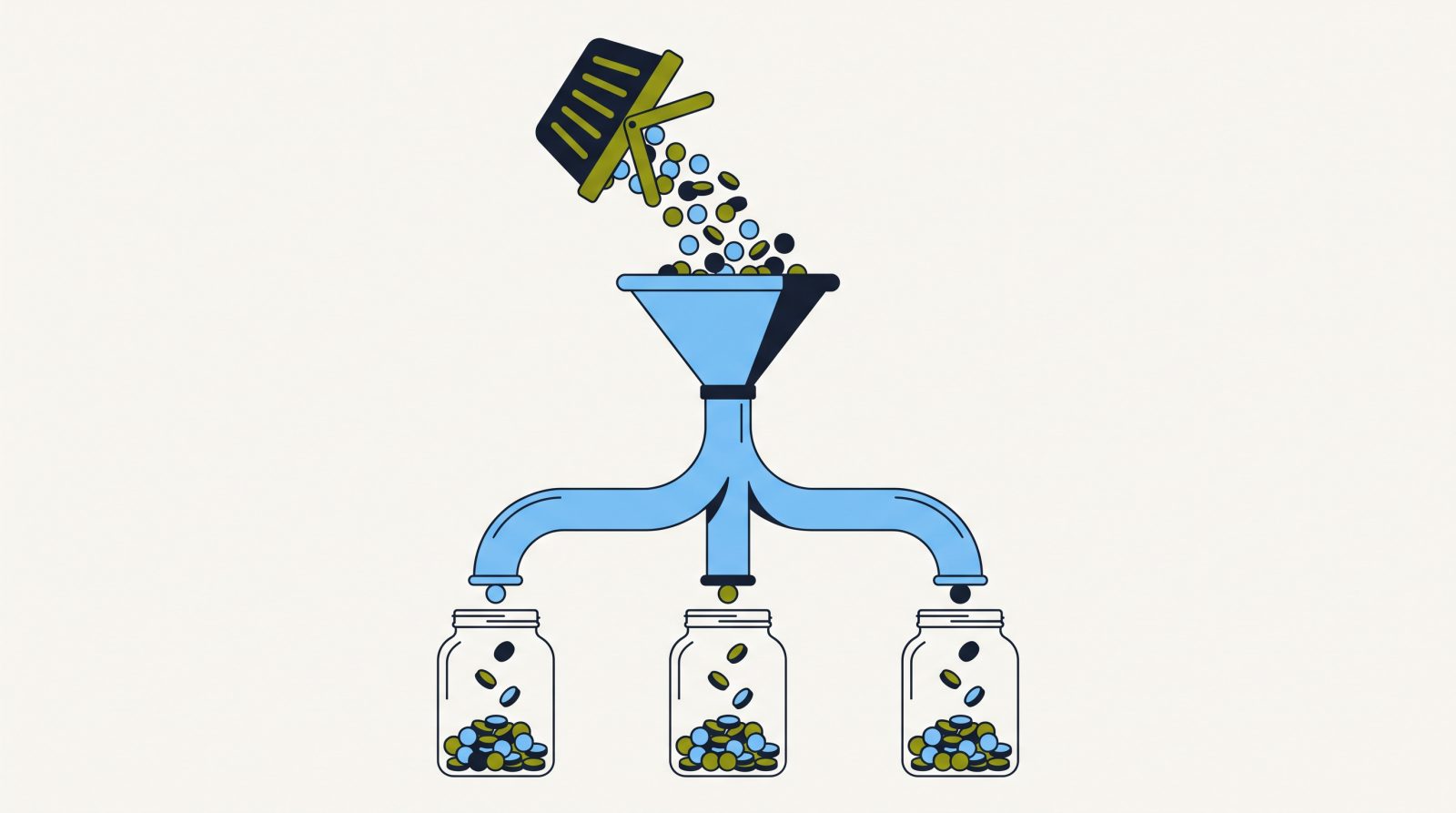
Your store works out tax at the checkout. Your accounting application reports tax on your return. Tax mapping is what joins the two: the set of rules that says which tax rate, and which account, each line of an order is recorded against once it reaches your books.
When the mapping is right, the tax on your return is the tax your customers paid. When it is wrong, the totals still look plausible, and the error is found late, usually while a return is being prepared. This guide goes through the decisions in the order it helps to make them.
Decide which system works the tax out
Two systems can calculate tax on a sale: the store, at the checkout, and the accounting application, when the invoice is created. They must not both be in charge.
In most setups the store is the source of truth. It knows where the customer is, what was bought and which rate applied, and the customer has already paid the amount it worked out. The accounts should record that amount, not work out another.
The trouble starts when the accounting application recalculates. It takes a net price, applies its own rate and rounds in its own way. The result can differ from the store's by a penny on one order and by a whole rate on another, for instance where the store charged a reduced rate and the accounting application applied its default.
So settle three things before anything else:
- Which system calculates tax: the store, a tax app attached to the store, or the accounting application.
- Whether the amounts sent to the accounts include tax, exclude it, or carry the tax as a separate figure on each line.
- What happens to a rounding difference of a penny or two: whether it is put on a line of its own, or left for somebody to correct by hand.
Write the answers down. Whoever looks at the connection next year will need them.
Tax-inclusive and tax-exclusive prices
A price of 120.00 can mean 120.00 including tax, or 120.00 with tax still to be added. Stores in countries with VAT or GST commonly show prices that include it. Stores in the United States commonly show prices without sales tax and add it at the checkout.
Both systems have to agree on which they are looking at. If the store sends prices that include tax and the accounts treat them as excluding it, tax is added twice and both sales and tax are overstated. The other way round, tax is taken out of a price that never contained it, and both are understated.
A store that sells in more than one country may use both conventions at once. Check each country you sell to, not only the one you are based in.
Map by product, rate and channel
A mapping answers one question: for this line of this order, which tax rate and which account? Three things usually decide it.
The product. Different goods can carry different rates. If you sell goods at more than one rate, the mapping has to work line by line, not order by order, because one order can hold both.
The rate the store applied. The dependable approach is to map each rate the store can charge to its counterpart in the accounting application: the store's standard rate to the accounting application's standard rate, zero to zero, and so on. Avoid a catch-all that sends anything unrecognised to a default rate. An unmapped rate should stop and ask, not guess.
The channel. The same product can be taxed differently depending on where it is sold. Your own website, a marketplace and a wholesale channel may each need their own treatment, and often their own income account, so that you can also see what each channel earns.
Check the mapping whenever you add a product type, start selling to a new country or open a new channel. Those are the moments at which a mapping that was right stops being right.
Shipping, discounts, gift cards and store credit
Most mapping errors are found in the lines that are not products.
Shipping. Delivery charged to a customer is income, and whether it carries tax depends on the rules where you sell and sometimes on what is in the parcel. Give shipping a line and a mapping of its own; do not let it take whatever rate the first product has.
Discounts. A discount lowers the price, and so normally lowers the tax. What matters is how it reaches the accounts. Taken off each line, it follows that line's rate with no further work. Sent as a separate negative line, it needs a rate of its own, and an order with goods at two rates then raises the question of which rate the discount belongs to. Find out which way your store and your connection handle it, and try an order with mixed rates.
Gift cards. Selling a gift card and spending one are two different events. In the accounts a card that has been sold and not yet spent is normally money you owe the customer, not a sale. Whether tax is due when the card is sold or when it is spent depends on the kind of card and on the rules where you are registered, so ask your accountant, then map the two events separately: the sale of the card to a liability account, and its use as a way of paying for an order.
Store credit. Credit given in place of a refund behaves like a gift card you have issued yourself. It needs the same care, and the same liability account or one beside it.
Refunds must reverse the right tax
A refund should take back exactly the tax that the original sale put in. That is harder than it sounds.
- Partial refunds. If one item of three goes back, the credit note must carry that item's tax, not a third of the order's tax.
- Refunds of shipping only, or of everything except shipping. The credit note must follow the rate on the shipping line.
- Refunds with nothing returned, such as a goodwill payment. Decide with your accountant whether this lowers the sale, and so its tax, or is a cost of its own.
- Refunds in a later period. A refund can be made after the tax return that covered the sale has been sent. Give the credit note the date of the refund, not of the sale, so that the figures already reported for the earlier period do not change in your accounts, and ask your accountant how the tax rules where you are registered treat the adjustment.
The dependable arrangement is a credit note for every refund, built from the same lines and the same rates as the original invoice. A refund entered as one round negative figure nearly always carries the wrong tax.
Tax collected by marketplaces
On some sales the marketplace, not you, is responsible for the tax. eBay, for example, says that as a marketplace facilitator it collects and remits taxes when required to do so by state or federal law in the United States. In the United Kingdom, where goods in a consignment worth £135 or less are outside the UK when sold through an online marketplace to a customer in Great Britain, the online marketplace is liable for the VAT.
For your accounts this means tax can appear on an order without being yours to declare. Recorded as ordinary sales tax, it inflates what you appear to owe. It needs a treatment of its own, agreed with your accountant, and that usually means a separate line and a separate account from your own tax.
Two of our earlier entries deal with particular cases: recording US sales tax for Shopify stores outside the US, and how the eBay integration accounts for tax that eBay remits.
What an integration cannot decide for you
A connection between a store and an accounting application moves figures and applies the rules it has been given. It does not know tax law, and it cannot make judgements. These stay with you and your accountant:
- Where you must be registered for tax, and from what date.
- Which rate applies to each thing you sell.
- Whether your store's tax settings are right. A connection can only pass on what the store worked out.
- How gift cards, store credit and goodwill refunds are to be treated.
- Which sales fall under a marketplace's responsibility and which under yours.
A sensible connection makes these choices visible and asks for them. It should not make them quietly on your behalf.
Test a sample month
Before relying on a mapping, and again after any change to it, test it on real figures.
- Pick one finished month.
- From the store, take the report of tax collected for that month, split by rate and by country if you sell to more than one.
- From the accounting application, take the tax report for the same dates.
- Compare them rate by rate. Total sales, total tax and the tax at each rate should agree, or differ only by amounts you can name, such as rounding or tax a marketplace collected.
- Then follow a handful of awkward orders all the way through: one with goods at two rates, one with a discount, one paid partly by gift card, one partial refund and one sold abroad.
If the totals agree and the awkward orders are right, the mapping can be trusted. If they do not, the awkward orders will usually show which rule is at fault.
Tax is one part of a wider monthly check. Our month-end checklist for ecommerce accounting integrations sets out the rest, and how to reconcile ecommerce payouts covers the other common question, which is why the bank does not match the sales.
Where CarryTheOne fits
CarryTheOne imports orders from your shopping cart into your accounting application as invoices, and refunds and returns as credit notes, with the tax the store charged recorded on them according to the mapping you set in its Configuration Panel. The connector pages, such as those for Shopify, WooCommerce and Xero, describe what each one supports. The decisions in this guide, and the check that the figures agree, remain yours and your accountant's.